WizardRas
Layered raster editing for people who work fast
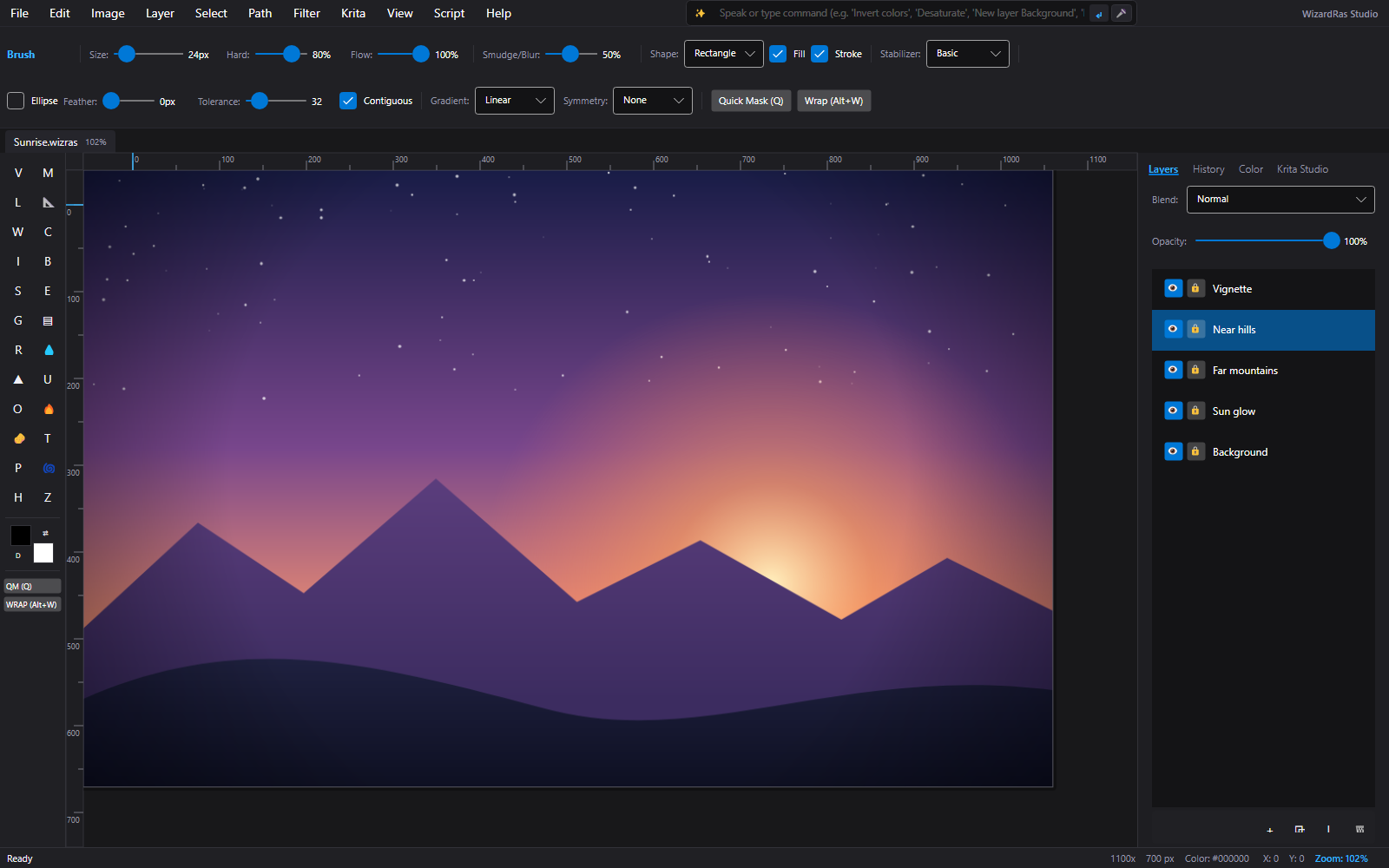
A keyboard-driven image editor with layers, masks and filters, plus handy extras from the open-source world: seamless tiles, normal maps, wraparound painting and symmetry.
What it is good at
A familiar workflow with extra tricks.
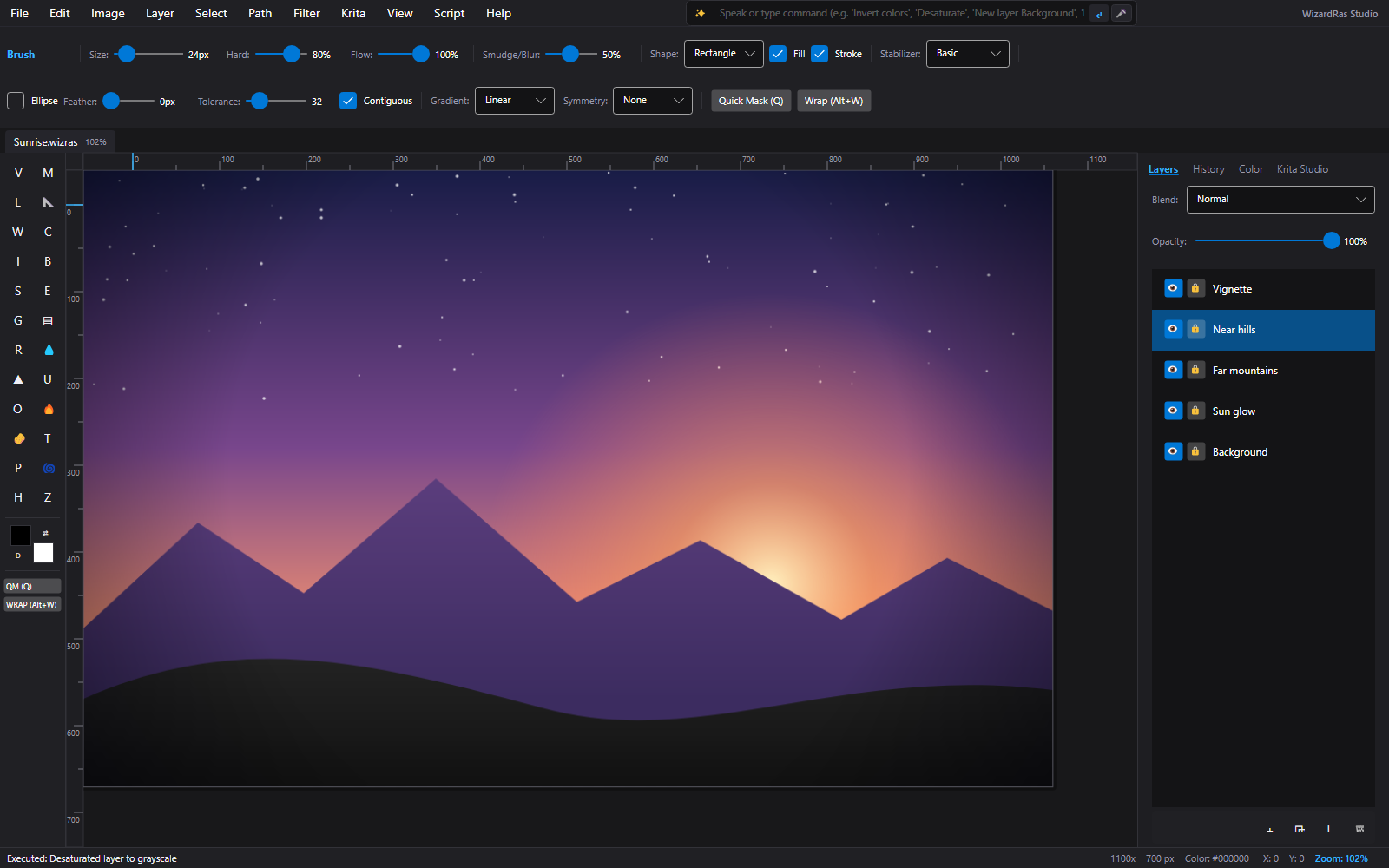
24 painting and retouching tools
Move, marquee, magic wand, crop, eyedropper, brush, clone stamp, eraser, gradient and more, on the keys you already know.
V M W C B S E GLayers that behave
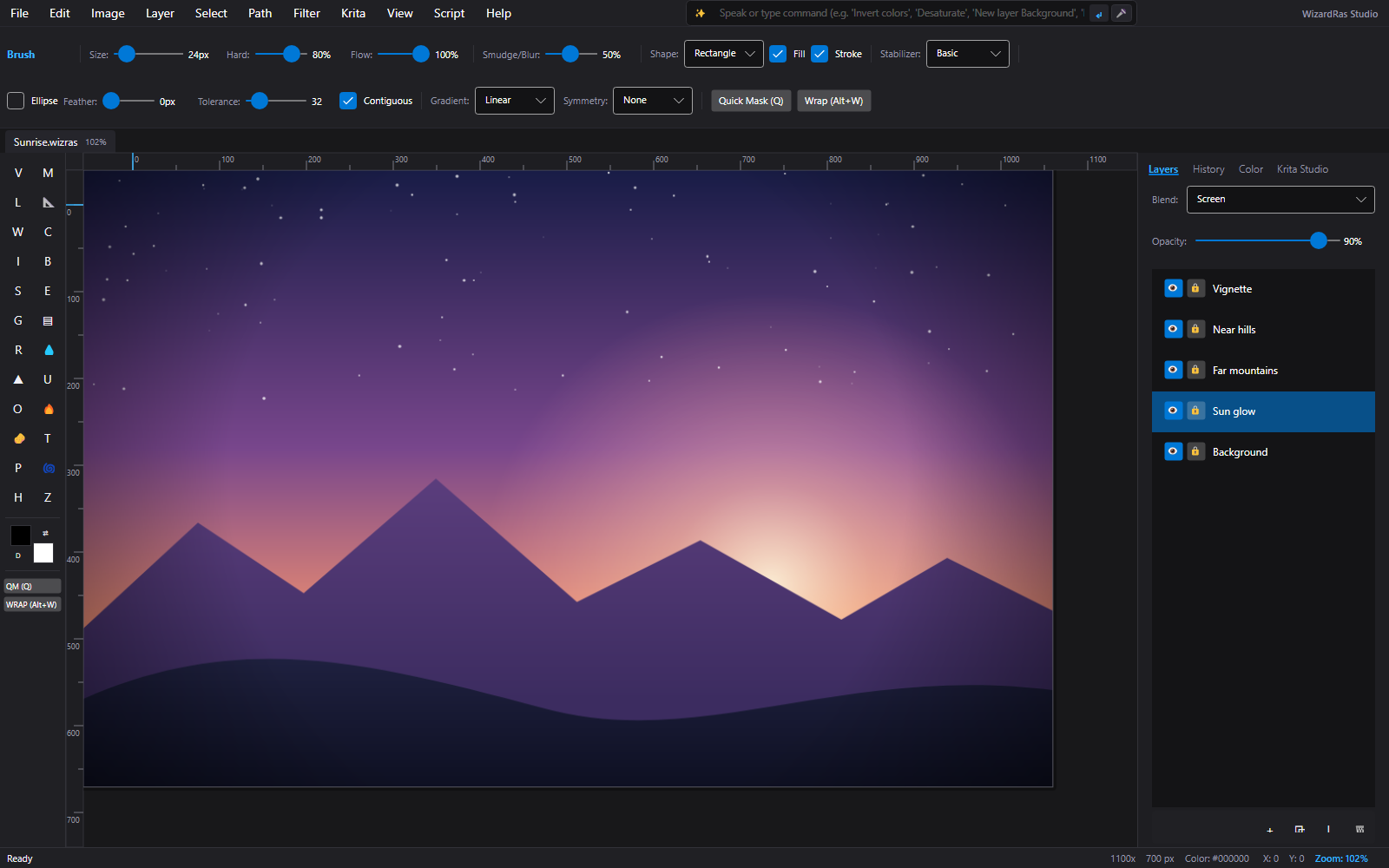
Sixteen blend modes, layer masks, opacity, reordering, duplicate and merge down.
Selections
Feathered selections with animated marching ants, plus select all, deselect and invert.
Adjustments and filters
Curves, levels, hue and saturation, threshold, posterize, unsharp mask and auto levels.
Extras for texture artists
Color to alpha, a seamless tile generator and a normal-map generator for game and 3D materials.
Painting aids
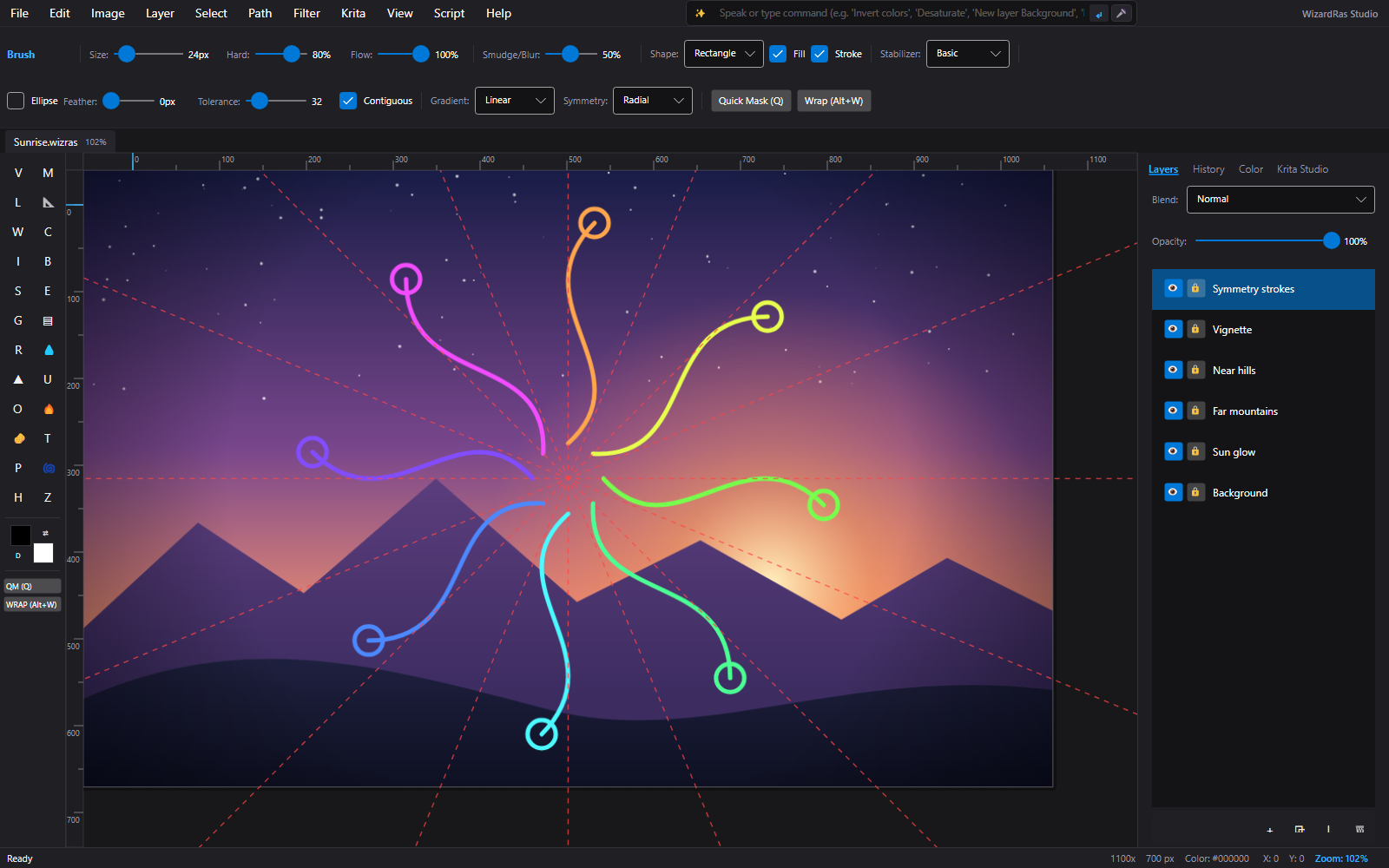
Infinite wraparound painting, horizontal, vertical and radial symmetry (up to 16 segments), a brush stabilizer and a color-harmony wheel.
Natural language and voice
Say what the image should do.
Everyday wording
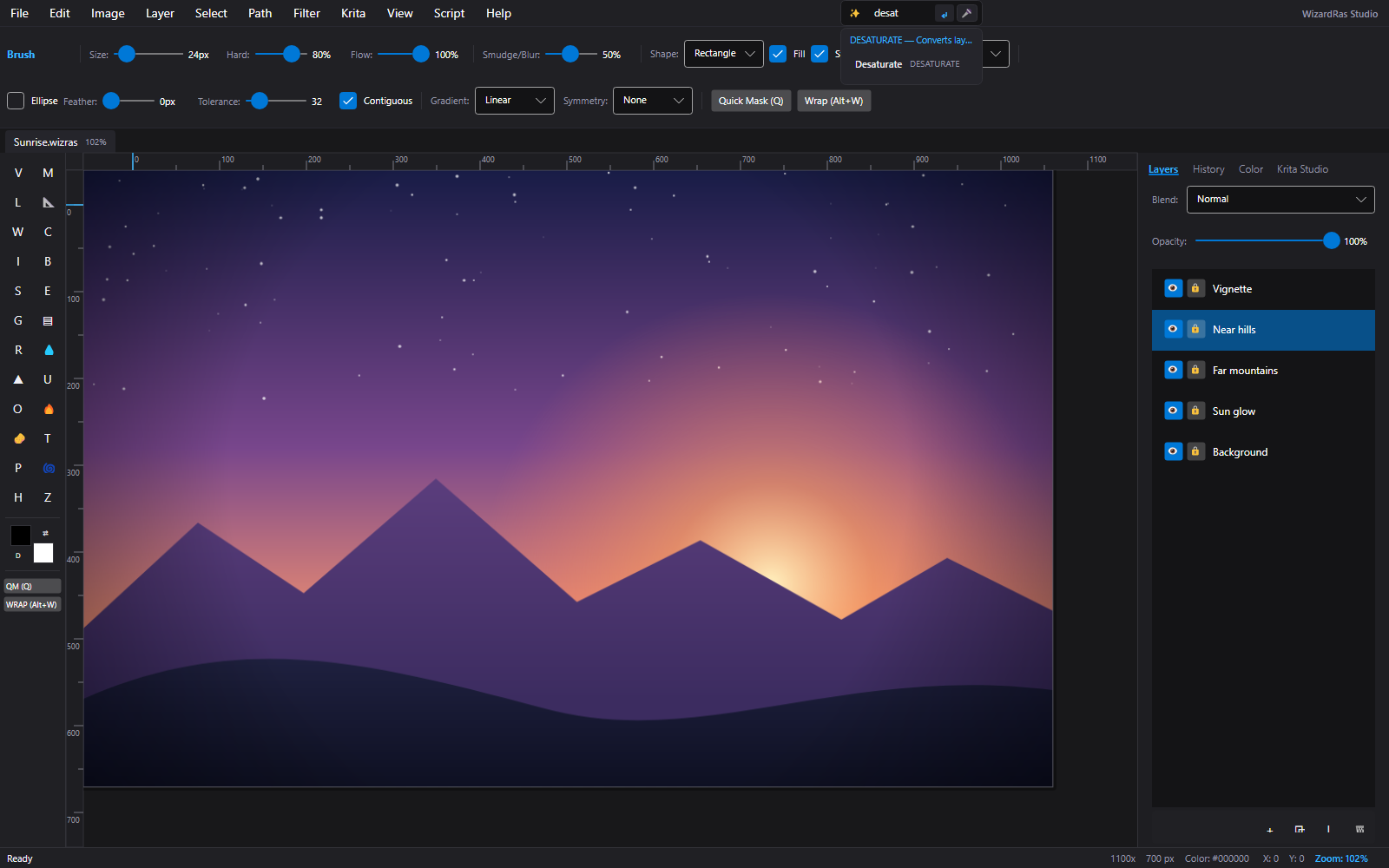
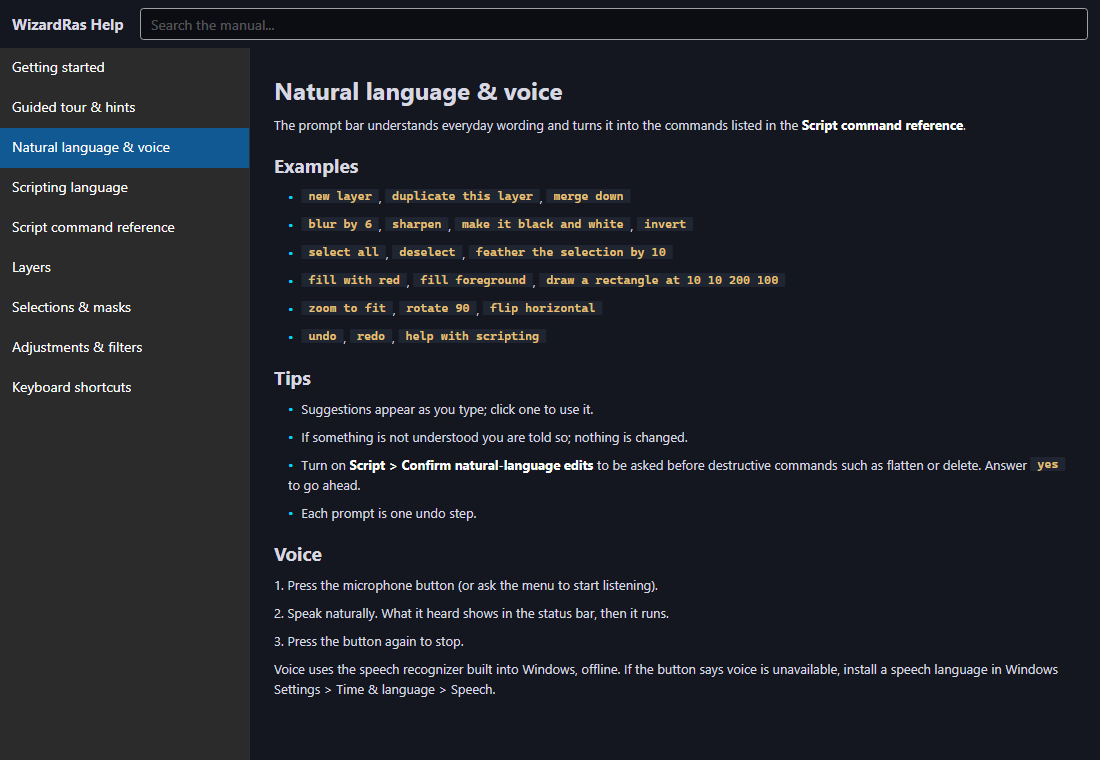
Type things like "blur by 6", "make it black and white", "fill with red", "feather the selection by 10" or "draw a rectangle at 10 10 200 100". Suggestions appear as you type.
Safe by design
If a command is not understood you are told and nothing changes. Each prompt is one undo step, and you can ask to be confirmed before destructive commands such as flatten or delete.
Voice, offline
Press the microphone and speak; the command runs and shows what it heard. It uses the speech recognizer built into Windows, so it works offline.
Scripting
Batch it, loop it, make it repeatable.
Scripts with conditions, loops and functions
Automate repetitive edits and repeat them whenever you need.
Record what you do
Turn on script recording and your actions become a script you can edit and run again.
A command reference
The built-in manual lists every script command, with examples.
Help
Find the right tool quickly.
A searchable manual
Getting started, natural language, scripting, layers, selections, adjustments and shortcuts, all searchable inside the app.
Quick shortcuts
Brush size and hardness on the bracket keys, swap colors with X, reset them with D.
[ ] D XA guided tour that checks your work
Choose Help > Guided Tour for eleven lessons: a new document, a layer, a fill, a shape, a blur and undo, opacity, a selection, a tiny script and the manual. Each lesson looks at your real document before moving on, and "Do it for me" does the step so you can see the commands.
Help > Guided TourPart of the WizardForge suite
WizardRas stands on its own, and it was built to cooperate with the other WizardForge apps.
Open and run every app from one window
The WizardForge launcher shows each app as a card with its version and license status. Launch any of them with a click or a double-click, jump straight into a recent file, see which ones are running, and install or remove apps.
Send content between apps Coming
A shared exchange layer lets the apps pass vector (SVG), image (PNG) and solid-model (STEP) content to one another by type. It will appear as a "Send to" menu in each app.
The same habits everywhere
A command bar, built-in help, undo and redo, and the License window follow the same pattern in each app, so learning one helps with the next.
One subscription for all four
The WizardForge Suite covers WizardDraw, WizardCAD, WizardMasteryCanvas and WizardRas on the same computers.
Several apps inside one window Coming
Today each app opens in its own window and the launcher keeps them together. Hosting them inside a single WizardForge window is on the roadmap.
Screens
At a glance
- Platform
- Windows
- Free trial
- 7 days, no card needed
Try it yourself
Free for 7 days, no card needed. Create an account, download it, and see for yourself.
Download free 7-day trial